Intro
When building this blog, I had one clear goal: make writing as easy as Markdown, but keep the power and flexibility of a modern web app.
I wanted something that felt natural for writing-no friction, no heavy CMS-but still allowed me to embed components, highlight code beautifully, and scale as the site grows.
That’s when I chose MDX.
What is MDX?
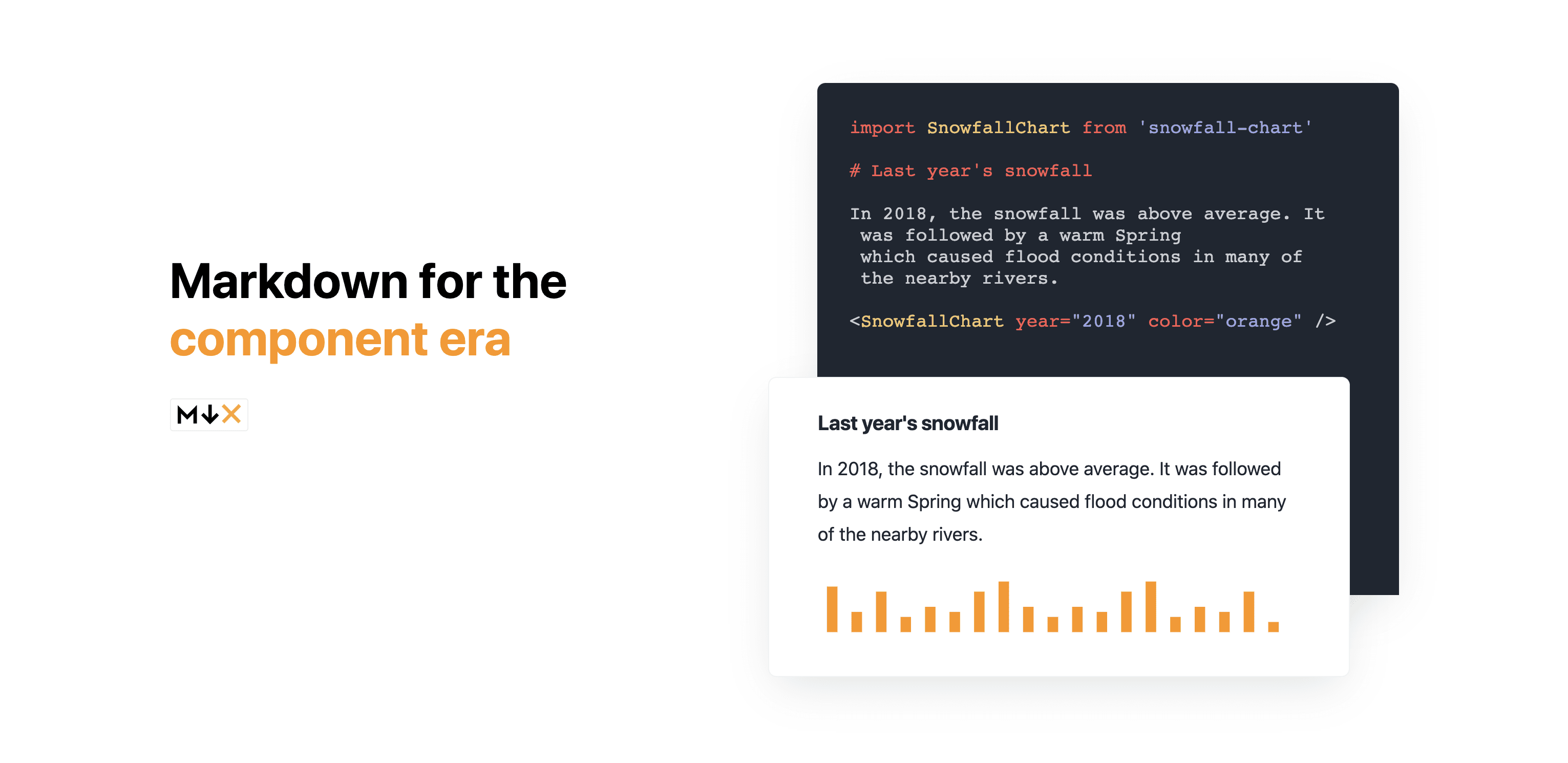
MDX is a format that lets you write JSX inside Markdown.
It combines the simplicity of Markdown with the full power of React components. You can write headings, lists, and code blocks like usual-but also drop in interactive UI, custom components, or dynamic content whenever you need it.
MDX is perfect for:
- Developer blogs
- Documentation
- Design systems
- Interactive articles
Velite Collections
To manage content at scale, this blog uses Velite.
Velite turns MDX files into type-safe collections, making content feel more like structured data than raw files.
With Velite, I get:
- Typed frontmatter
- Safe content querying
- Easy integration with Next.js
- Support for custom remark/rehype plugins
This keeps the content layer clean, predictable, and maintainable.
MDX Basic Syntax
MDX supports all standard Markdown syntax:
Frontmatter
Each post starts with YAML frontmatter to store metadata:
This metadata is used for routing, SEO, feeds, and content filtering.
Rehype Pretty Code
For syntax highlighting, this blog uses rehype-pretty-code, powered by Shiki.
Unlike client-side highlighters, it runs at build time, meaning:
- Faster page loads
- Consistent themes
- Zero runtime cost
Code Highlights
Code Diffs
Word Highlights
Custom Components
MDX allows importing and using React components directly inside posts:
Custom Styling
Styling is handled using Tailwind CSS and typography utilities.
For example, wrapping content with prose styles:
Or using custom components for consistent UI:
Embedding Media
MDX supports plain HTML, so embedding media is straightforward:
No plugins required.
Summary
This blog uses MDX to combine the simplicity of Markdown with the flexibility of React. With type-safe content powered by Velite and build-time code highlighting with rehype-pretty-code, it delivers a fast, scalable, and developer-friendly writing experience without sacrificing control or performance.